Accounting Document Management Statistics: Trends, Compliance & Automation in 2026

Updated · Apr 17, 2026

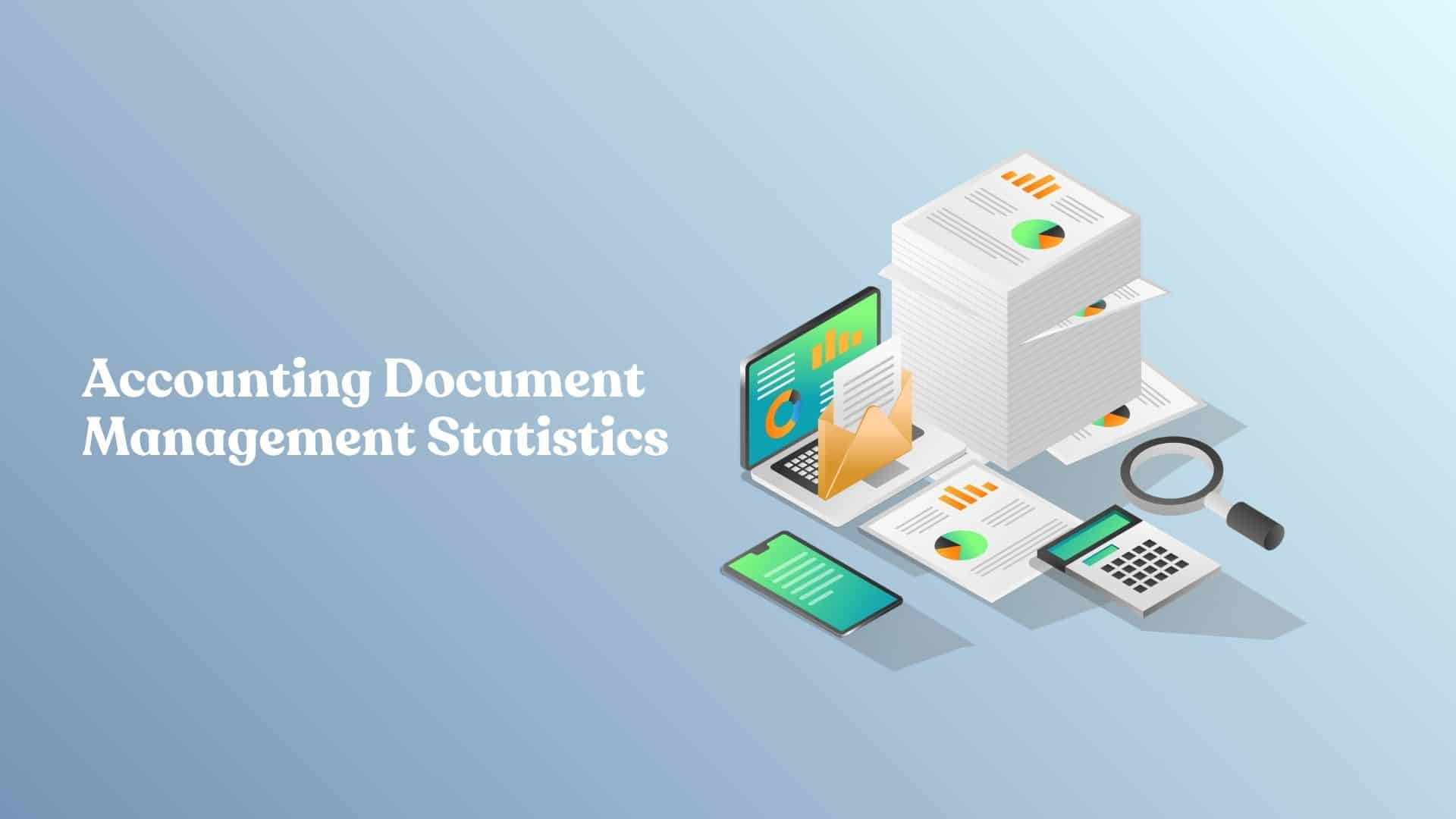
Table of Contents
Let me start with something most firms won’t say out loud: document management is where a surprising amount of your week disappears.
Not in big, obvious chunks, but in those small moments. Waiting on a client upload. Double-checking if that’s the latest version. Digging through emails because “it has to be here somewhere.” By the end of the week, you’ve lost hours, and it never shows up on a timesheet.
That’s why accounting document management has become such a big conversation lately. If you’ve been following discussions around practice management trends, you’ve probably noticed the shift: this isn’t just about storing files anymore. It’s about how work actually moves through a firm, how clients experience your process, and how much friction your team deals with every day.
Let’s break down what’s changing and what’s actually worth paying attention to in 2026.
Why Document Management Is Suddenly a Bigger Issue
A few years ago, most firms treated document management like background infrastructure. It mattered, but it wasn’t something people talked about unless there was a problem.
That doesn’t really work anymore.
As firms grow, document handling becomes more exposed. Files end up spread across inboxes, shared folders, portals, and desktops. Teams start relying on workarounds. What looked manageable with a smaller client base becomes harder to control once volume increases. Research and brand materials in the knowledge base repeatedly point to this broader problem of fragmented tools and disconnected workflows.
What makes this more serious in 2026 is that firms are no longer seeing document management as purely administrative. They’re connecting it to turnaround time, staff efficiency, and even client retention. When documents move slowly, reviews move slowly. Questions sit unanswered longer. Small delays stack up and create pressure across the rest of the firm.
That’s why this topic has gained so much weight. It’s not really about files. It’s about operational drag.
The Shift From Storage to Workflow
The biggest mindset change is this: documents are no longer just records to store. They’re part of a process.
Every document usually triggers something else. A request leads to an upload. The upload leads to a review. The review may lead to follow-up questions, approvals, or next-step tasks. Once you look at it that way, it becomes clear why basic storage systems don’t solve the real problem. The bottleneck is rarely the file itself. It’s everything that happens around it.
That’s where automation has started to make a noticeable difference. Across accounting more broadly, firms are using automation to reduce repetitive work and create more time for higher-value services. In document workflows, that often means replacing ad hoc requests and manual organization with a more consistent structure. Files come in through a defined path, go where they need to go, and trigger the next action without someone having to push every step forward.
Centralized platforms matter for the same reason. When documents, communication, and task flow live in separate places, people waste energy figuring out where something is or who touched it last. When those pieces are connected, the conversation shifts from “Where did that file go?” to “What needs to happen next?” That’s a much healthier way to run work.
Clients Are Raising the Bar, Even Quietly
One part of this conversation that gets underestimated is the client side.
Clients may not use the term “document workflow,” but they feel it immediately when a process is clunky. They notice when they’re asked for the same file twice. They notice when instructions are vague, or when they’re expected to search old email threads for attachments. Even if they never complain, those moments shape how organized and trustworthy your firm feels.
The opposite is true too. A structured request, a secure upload path, and a clear next step make the whole relationship feel more polished. It gives clients confidence that their information is being handled well and that your team has control of the process.
That’s why document management has started to influence client experience more than many firms expected. Systems that connect communication, files, and workflows tend to reduce friction on both sides. And in practice, that matters more than any single feature.
Compliance Now Lives Inside Daily Operations
Compliance used to feel like something separate from daily work. It showed up during an audit, during policy reviews, or when a serious issue surfaced.
That separation is disappearing.
Now, compliance is built into ordinary document handling. Who can access a file, whether changes are traceable, how long documents are retained, and how securely they’re shared are all part of daily operations. As accounting firms continue digitizing, cybersecurity and data protection are becoming central to both client trust and regulatory readiness.
In practical terms, that means firms need more than a place to store documents. They need systems that help them control access, preserve an audit trail, and maintain consistency in how files are handled over time. The real test is usually simple: if someone asked you to trace a document from upload to final use, could you do it quickly and confidently? If not, the issue is not just inefficiency. It’s a risk.
Where the Time Savings Really Come From
When people talk about automation, they often imagine dramatic transformations. In reality, the most valuable improvements are usually smaller and less glamorous.
A lot of time disappears in the repetitive tasks no one thinks to measure. Following up on missing documents. Renaming files. Moving them into the right place. Checking whether the newest version is actually the newest version. None of these tasks sounds major in isolation, which is exactly why they’re so easy to underestimate.
What automation does well is remove the need to keep making the same tiny decisions. A document request can go out automatically. A reminder can be triggered without someone drafting another email. A file can be routed or labeled as it arrives instead of waiting for a staff member to sort it later.
That kind of standardization doesn’t feel flashy, but it changes the rhythm of work. And once you spread those savings across dozens or hundreds of client interactions, the difference becomes much more visible.
What Better Firms Are Starting to Measure
One of the more interesting changes in 2026 is that firms are becoming more specific about what “better” actually means.
Instead of saying they feel more organized, stronger firms are looking at a few signals that show whether the process is improving. Usually, it comes down to things like how long it takes to receive documents, how quickly clients respond, and how often work has to be revisited because something was missing or unclear.
That kind of visibility matters. It helps firms spot where a process is slowing down and whether operational changes are actually working. This lines up closely with TaxDome’s broader messaging around visibility and actionable insight – using better information to manage the business more deliberately.
What I like about this approach is that it doesn’t need to be complicated. You don’t need a huge dashboard from day one. One or two useful metrics can tell you a lot, especially when you track them consistently enough to notice patterns.
Final Thoughts
Document management still isn’t the most exciting topic in accounting, and that’s probably not going to change. But it has become one of the clearest examples of how small operational problems turn into bigger business problems.
When documents move smoothly, the benefits show up everywhere else. Teams spend less time chasing information. Clients feel the difference in how organized the firm is. Compliance becomes easier to manage. And perhaps most importantly, people get more room to focus on work that actually requires judgment.
That’s the real opportunity here.
So it’s worth asking, honestly: is your current system helping work move forward, or is it quietly creating friction your team has learned to live with?

Aruna Madrekar is an editor at Smartphone Thoughts, specializing in SEO and content creation. She excels at writing and editing articles that are both helpful and engaging for readers. Aruna is also skilled in creating charts and graphs to make complex information easier to understand. Her contributions help Smartphone Thoughts reach a wide audience, providing valuable insights on smartphone reviews and app-related statistics.