The Rise of Smarter Study Apps Across the Apple Ecosystem

Updated · May 20, 2026


Major companies take different approaches. OpenAI focuses on chat-based systems. Apple builds AI into device-level features through Apple Intelligence. Apple also introduced tools that work partly on-device, which helps protect user data.
Here are practical uses in education:
- Text summaries reduce long readings into short notes.
- Automatic notes convert files into structured material.
- Task planning breaks large projects into steps.
- Flashcards turn notes into recall exercises.
- Speech-to-text captures spoken lectures quickly.
- Slide creation builds presentation drafts from topics.
AI now handles early stages of study work. But students still need to review and verify results.
Top Study Apps on iOS Devices
Apple users do not need one large study app. They need a small set of tools that solve clear problems. Some apps store notes. Others support focus, revision, writing, or presentations. These tools fit into one study flow because sync features reduce switching effort.
| App | Main use | Apple fit | Price snapshot |
| EduBrain.ai | Homework help, flashcards, slides | Online platform, accessible on all devices | Free plan; AI-Plus from about $9–$15/month depending on plan |
| Notion | Notes, tasks, planning | iOS app and Mac desktop app | Free plan; Plus plan about $10/month; free Plus for eligible students |
| Quizlet | Flashcards, test prep | iOS app | Quizlet Plus about $44.99/year |
| Goodnotes | Handwritten notes, PDFs | Strong iPad and Apple Pencil fit | One-time purchase about $9.99 or subscription about $9.99/year |
| Evernote | Research archive, web clips | iOS, Mac, web access | Personal plan about $14.99/month |
| OneNote | Shared notebooks, class notes | iOS app, cloud sync | Free with Microsoft account |
| Forest | Focus timer | iOS app | One-time purchase about $3.99 on iOS |
| Duolingo | Languages | iOS app | Duolingo Super about $6.99/month |
| Decksy | Presentations | In browser | Decksy from about $10/month |
Edubrain.ai
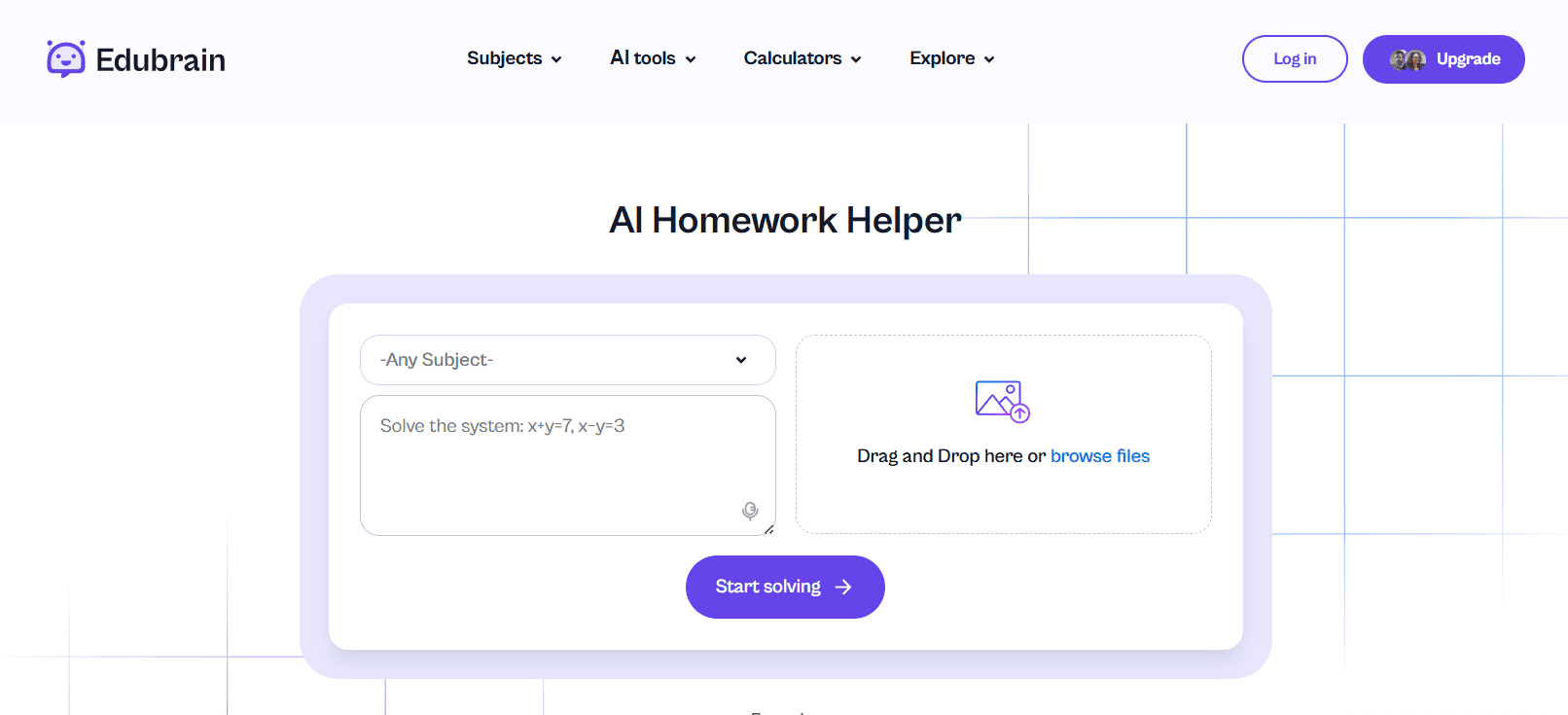
This platform centers on AI homework support, yet its scope runs wider than a plain answer box. The site says users can upload pictures or PDFs and get step by step solutions without sign-up. The free plan includes unlimited attempts, file upload, downloads, flashcards, slides, and answers. Advanced paid AI-Plus tier removes ads and adds advanced reasoning. That mix makes the service closer to a study workspace than a single solver.
The math section shows that wider pattern well. EduBrain’s Math help combines a free AI math solver, AI calculator, and learning assistant in one place. It returns step by step explanations of the most complicated equations. For a student stuck on a quadratic equation, the tool can show each stage, from formula choice to substituted values and final roots. That helps more than a bare answer, since the learner can compare method and outcome.
The site also points to tools beyond math. Its homepage and related pages mention homework help across school and university subjects, plus AI flashcards and slide creation. Usage options are wide. A learner uploads class notes from physics, asks for a short summary, and turns that summary into flashcards. Then it builds a quick revision deck for a group task.
Notion
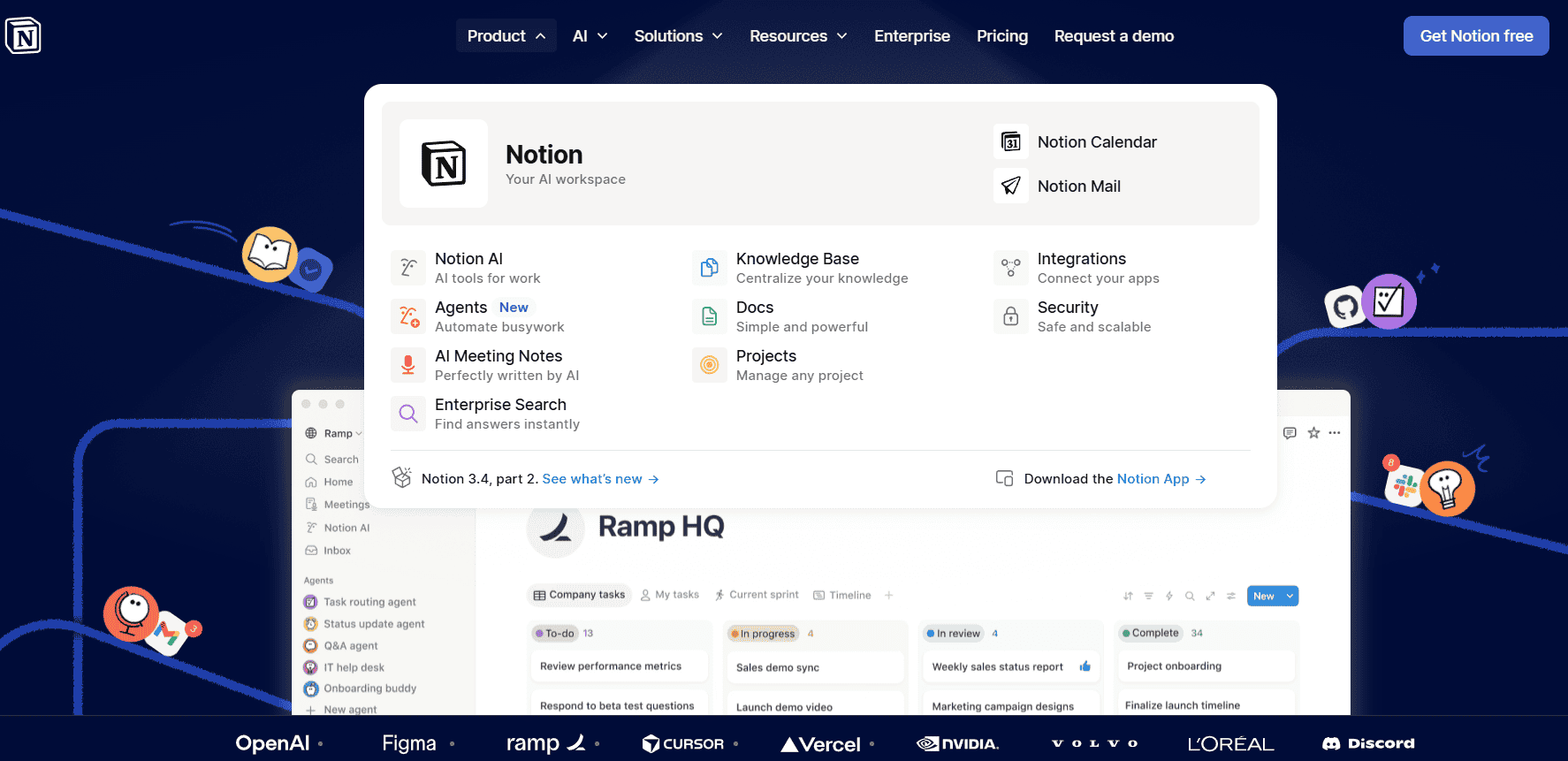
All-in-one workspace for notes, tasks, databases, and project pages. Its App Store listing says users can write notes, manage tasks, organize projects, and collaborate in one place. The company also offers a free Education Plus plan for eligible students with an education email. That makes it attractive for course dashboards, reading lists, assignment calendars, and shared class spaces.
Apple users get good coverage here. Notion has an iOS app and a Mac desktop app. Among features – AI transcription and easy import of PDFs and docs. For learners who manage lots of material across courses, it’s convenient.
Quizlet
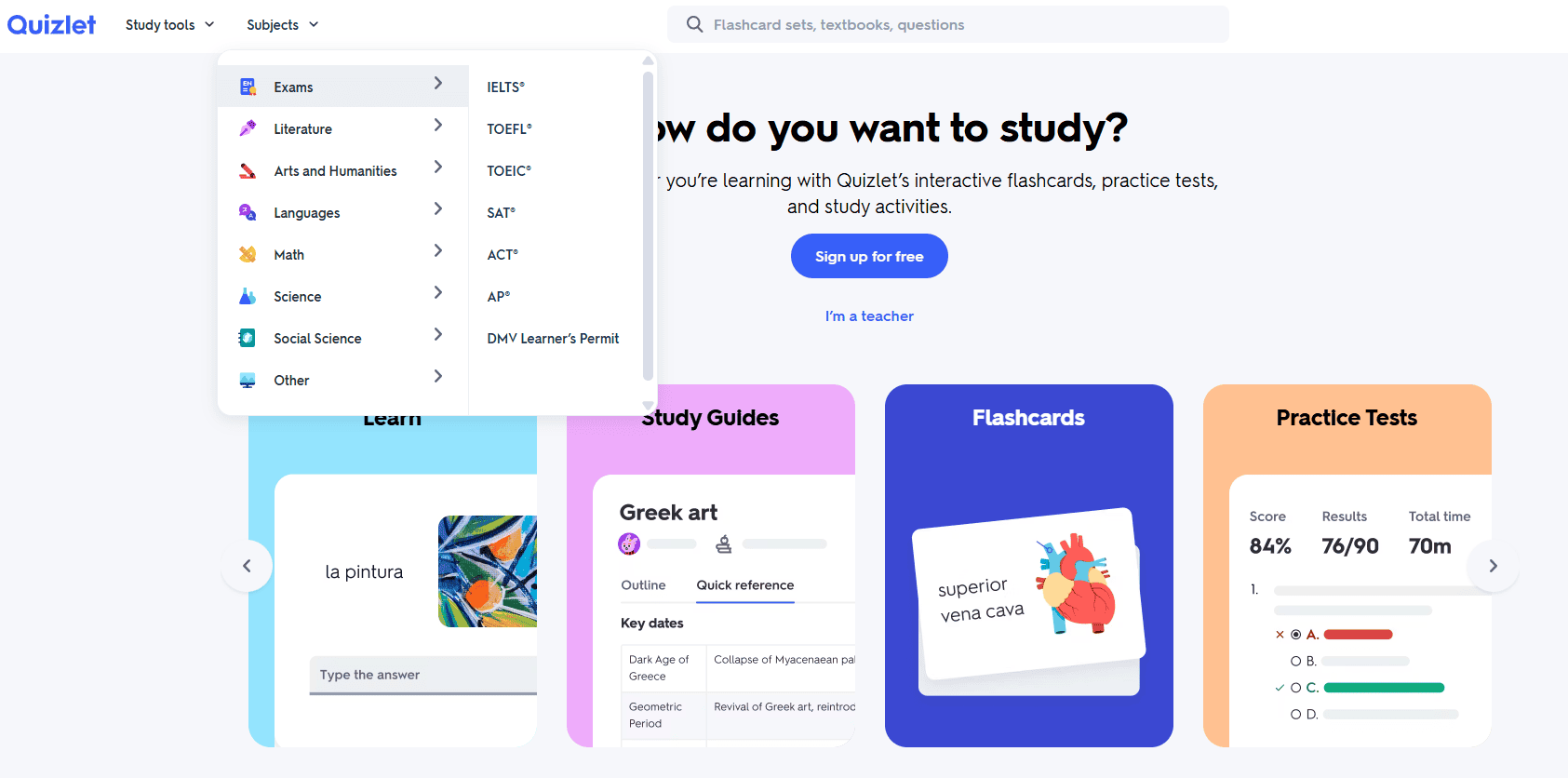
The app still leads the memory and revision space. Its official site says users can create flashcards or study sets made across its network, while App Store pages mention more than 500 million, and in newer listings more than 700 million, digital flashcard sets. Those numbers show why it stays visible during exam season: students rarely start from zero. They can usually find a set close to the topic, then edit it for class needs.
The service has strong iOS support through its app, and its current app listings describe AI study tools, practice tests, essay prompts, and spaced repetition. That matters for memorization-heavy subjects such as biology, law terms, or language vocabulary.
GoodNotes
It has become one of the clearest examples of an iPad-first study app. Apple’s App Store description highlights handwritten notes, PDF markup, shape correction, and handwriting-to-text conversion. Those features matter most on iPad with Apple Pencil, where lecture notes, textbook pages, and worksheet edits feel close to paper yet stay searchable and easier to store.
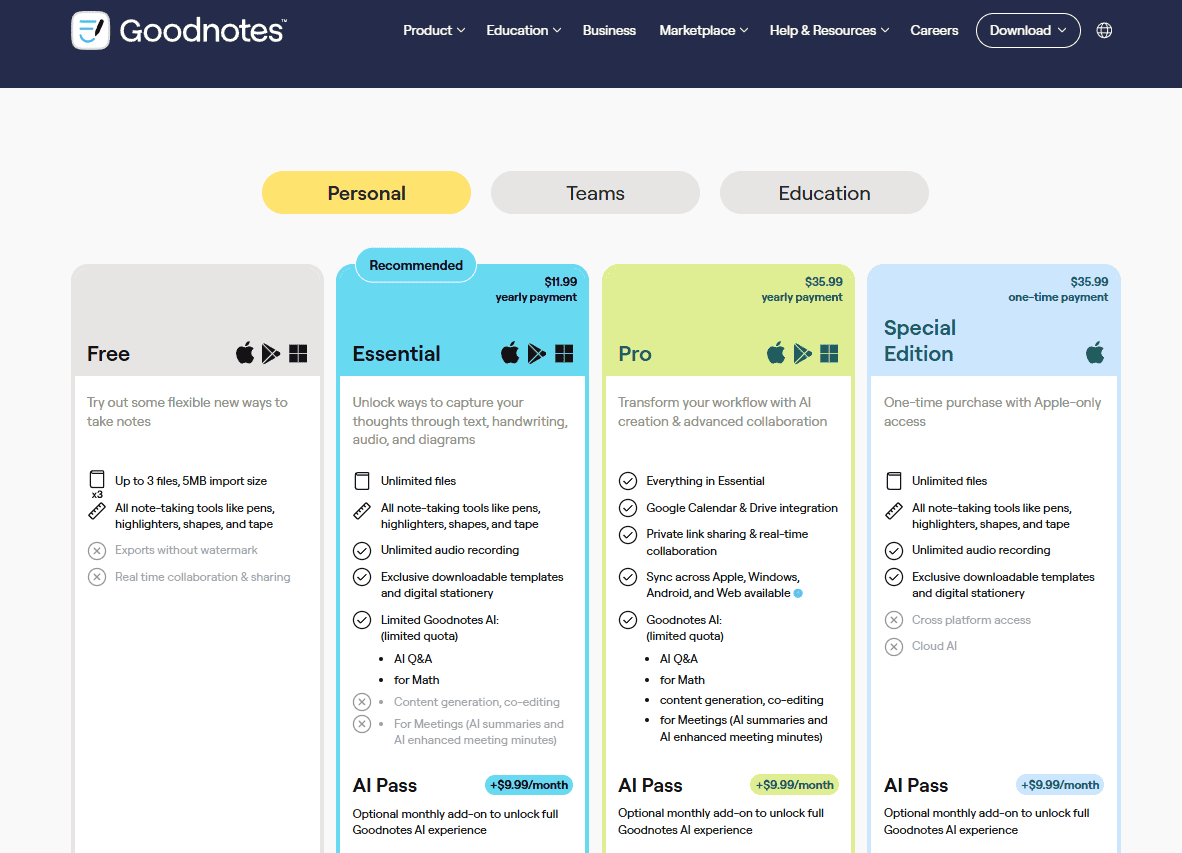
The app also handles document organization well. Students can sort notebooks, import PDFs, annotate slides, and share files from one place. Goodnotes offers a free tier with limits, then paid plans from its official pricing page. For users who think with diagrams, arrows, and margins, it can replace stacks of paper notebooks without losing the feel of handwriting.
Evernote
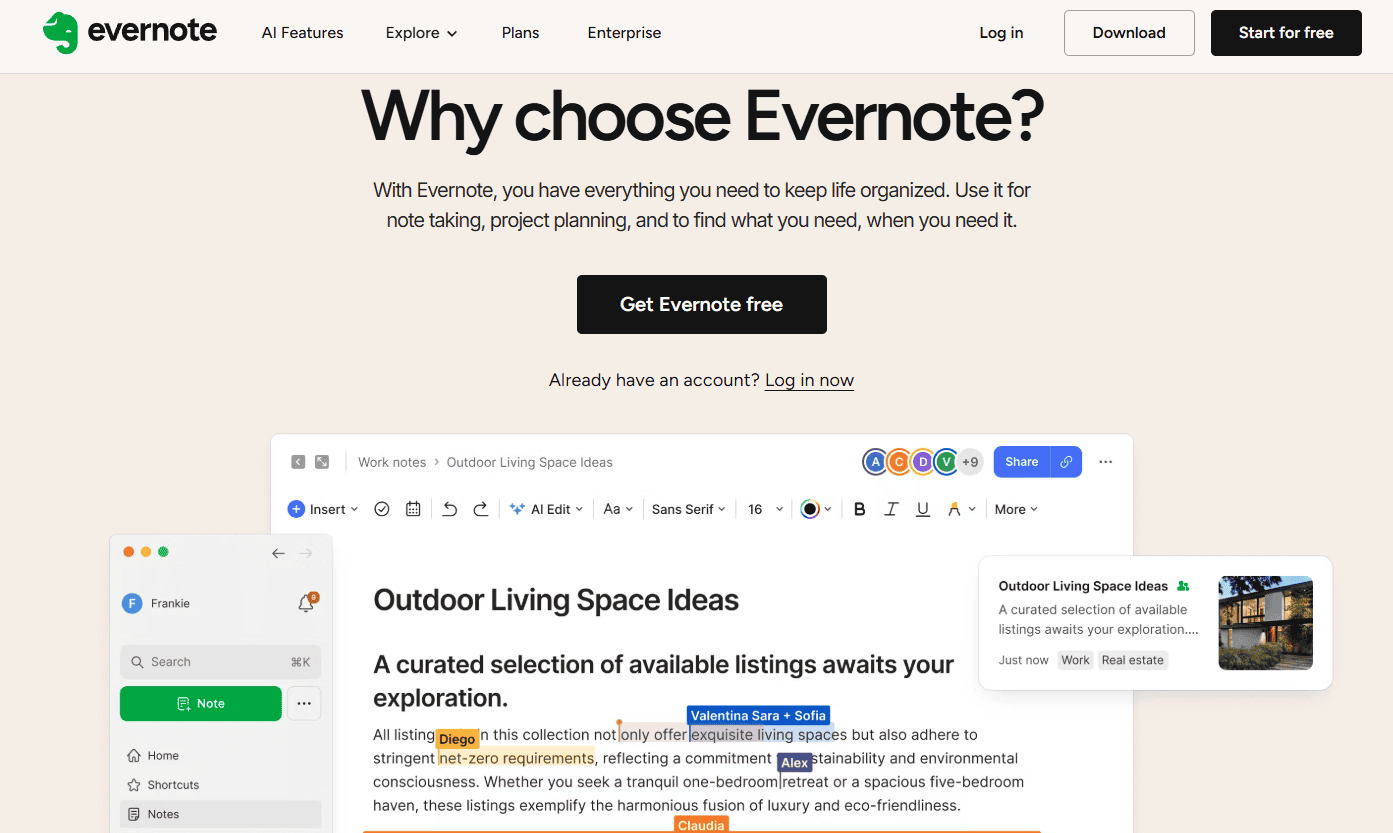
This one has a longer history than most tools in this list. Its role stays clear: capture material, tag it, and return later when research gets messy. The company’s pages say users can save web pages, articles, PDFs, and screen captures directly into Evernote. That makes it useful for essay prep, source collection, and project folders with lots of scattered material.
On Apple devices, students can use iOS apps, Mac access, and web access across the same account. Evernote’s compare-plans page also lists apps for iOS, web, Windows, and Mac. For a learner who saves journal pieces, screenshots, and article excerpts over weeks, that cross-device archive still has real value.
OneNote
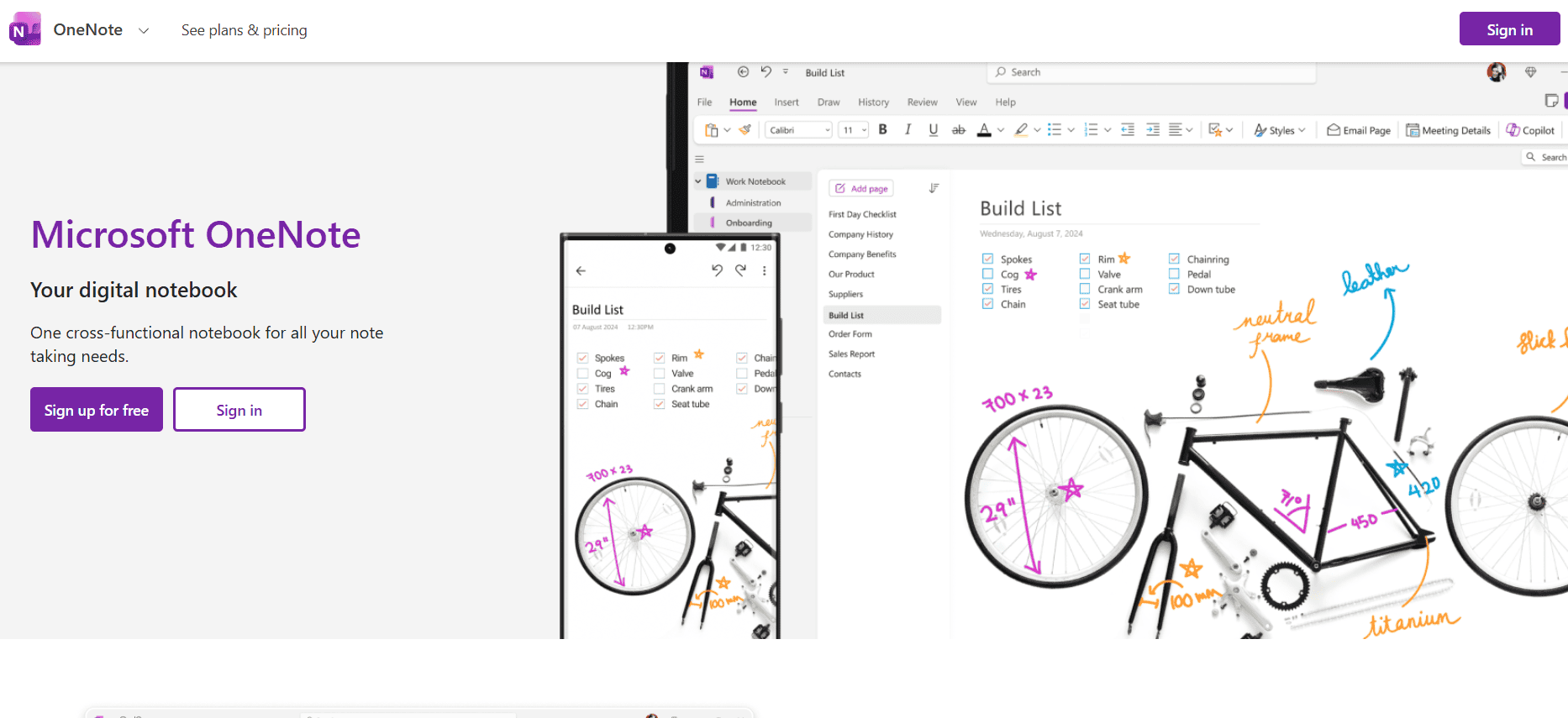
This service by Microsoft suits users who like a free-form notebook style. Features: stress cloud save, sync through OneDrive and SharePoint, shared notebooks, and handwriting on iPad. That mix helps with lecture notes, seminar prep, and group work where several people need one notebook at once.
The app also fits well inside Microsoft-heavy courses. A student using Word, Teams, or Outlook can keep class notes in the same account system. On Apple hardware, OneNote has an iOS app with iPad drawing support, plus cloud access across devices. Its loose page layout also helps for mixed material such as typed notes, pasted images, checklists, and quick sketches.
Forest
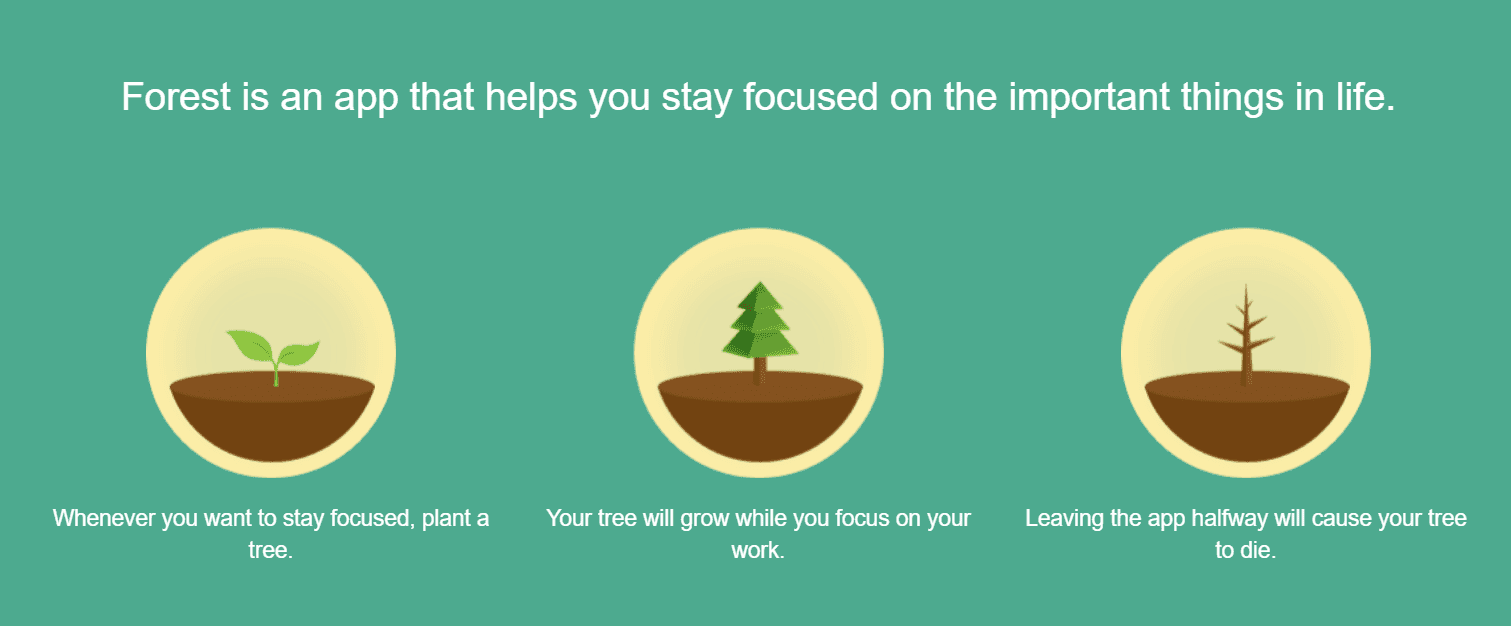
Do you struggle with distraction? Try this app. Its timed focus system, progress statistics, unlockable tree species, and real-tree partnership with Trees for the Future. The point is simple. Set a focus session, stay off the phone, and watch your virtual forest grow. That turns concentration into a small visual reward loop.
The app also gives useful statistics, which helps users spot weak routines. A student can tag sessions for reading, revision, or essay work, then check where time actually went. Forest will not teach algebra or edit an essay. Still, it supports the condition that study apps need most: enough quiet time to use them well.
Duolingo
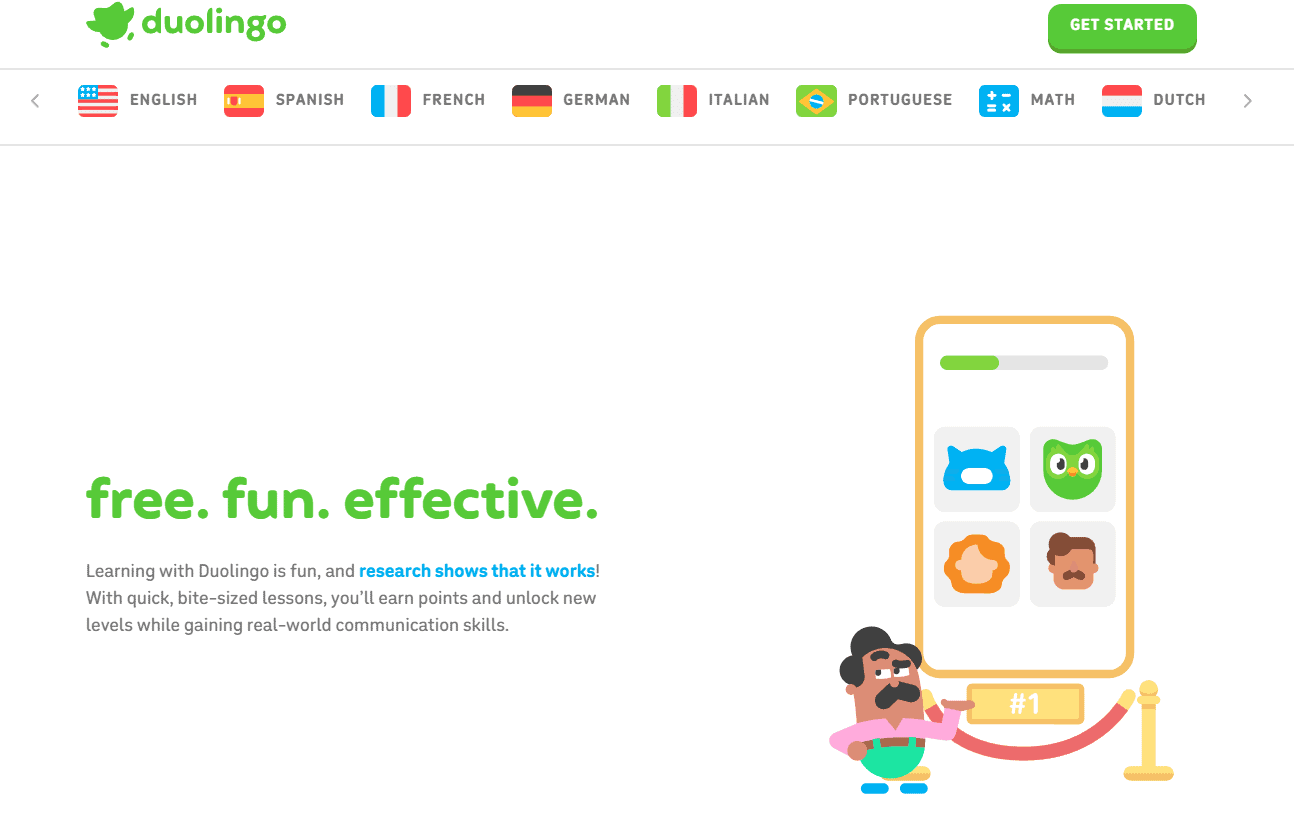
One of the biggest names in language learning! Its investor update said the company finished 2025 with more than 50 million daily active users. The App Store page also describes it as the world’s most-downloaded education app, with quick lessons across more than 40 languages.
On Apple devices, the app works well for short daily practice. That format suits bus rides, breaks, and ten-minute review slots between classes. Duolingo Max adds AI-backed features such as Roleplay and Video Call with Lily, which push practice closer to active use instead of pure recall. For formal students, it works best as a daily supplement.
AI Decksy
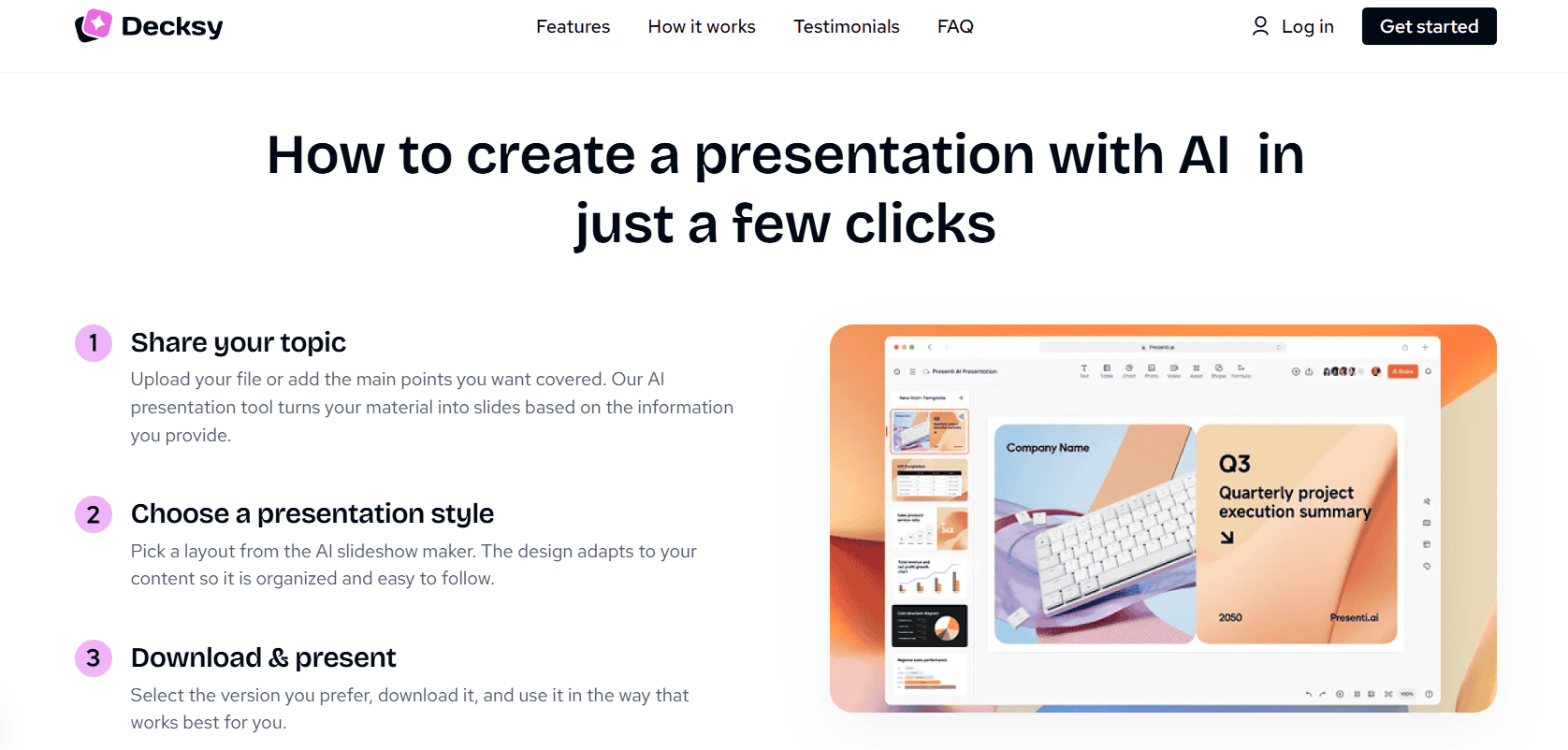
It focuses on one task: faster slide creation. Its official site says users can move from outline to final design with AI-generated, content-ready slides from a topic prompt. The site also says the free tier allows one presentation per day, while subscriptions unlock fuller use. That makes it useful for class presentations, seminar briefings, and group projects with short deadlines.
Decksy does not appear to offer a native iOS app, yet it runs in the browser, which keeps it usable on Mac, iPad, and iPhone through Safari. Its strength lies in structure. A student with rough notes can turn them into a deck draft, then spend time on edits and facts instead of slide layout from scratch.
Conclusion
Studying today feels less like a fixed routine and more like a moving system. Education starts on a phone, continues on a tablet, and ends on a laptop. Apple devices help keep that process steady. Tasks move without friction, and ideas stay in reach. Still, tools only support the process. They do not do the thinking for you. What really works is a setup that fits your habits. A few well-picked apps, used with purpose, can turn scattered work into something clear. Once that system clicks, studying stops feeling chaotic and starts to feel manageable.

I hold an MBA in Finance and Marketing, bringing a unique blend of business acumen and creative communication skills. With experience as a content in crafting statistical and research-backed content across multiple domains, including education, technology, product reviews, and company website analytics, I specialize in producing engaging, informative, and SEO-optimized content tailored to diverse audiences. My work bridges technical accuracy with compelling storytelling, helping brands educate, inform, and connect with their target markets.